


Quick answer: Google Ads for schools reaches parents at the moment they search for a school. Set up separate Search campaigns for your brand name, school type plus location, and specific programs; target the areas families actually commute from; send each ad to a matching landing page with a short tour form; and track inquiries and enrollments, not just clicks.
Key takeaways
- Start with Search campaigns; they catch families already looking.
- Structure campaigns by intent: brand, school type near me, programs and events.
- Target by commute area, not the whole state.
- Every ad group needs a matching landing page with a short form.
- Track inquiries and import enrollment outcomes so Google learns what works.
Why should schools use Google Ads?
Search ads show up when a parent types “private school near me” or “charter school [city].” That intent is hard to get anywhere else. For Heart Christian Academy, Google Search ads added 124 family inquiries from parents already searching for Christian schools nearby, alongside 373 from Meta (Heart Christian Academy).
How should a school structure its campaigns?
A school should structure Google Ads campaigns by intent: a brand campaign for people searching your name, school-type-plus-location campaigns, program campaigns, seasonal event campaigns and, optionally, competitor-adjacent terms. Each campaign gets its own budget and sends people to a page that matches what they searched, never just the homepage.
| Campaign | Example keywords | Landing page |
|---|---|---|
| Brand | [school name], [school name] tuition | Admissions page |
| School type plus location | private school near me, private middle school [city] | Admissions page for that grade band |
| Programs | preschool [city], STEM high school [city] | Program page with tour form |
| Events (seasonal) | open house private school [city] | Event page with RSVP |
| Competitor-adjacent (optional) | [type] schools [neighborhood] | Comparison-friendly admissions page |
A sample campaign setup for a private school
Here is an example of how a single-campus private school might structure Google Ads. It is a starting point, not a template to copy; your grades, location and competition will change the details.
| Campaign | Who it targets | Example keyword themes | Where it sends people |
|---|---|---|---|
| Brand | Families already searching your school name | Your school name, name plus tuition, name plus reviews | Homepage or admissions page |
| School type plus location | Families comparing options nearby | Private school near me, private school in [city], [faith] school [city] | A landing page for the area with tour booking |
| Grade entry points | Families at a key transition | Kindergarten [city], private middle school [city], high school options | Grade-specific landing pages |
| Events | Families who would attend a tour or open house | Open house [city] schools, school tours [city] | Event RSVP page |
| Remarketing (where allowed) | Website visitors who did not inquire | N/A (audience based) | Tour booking or event page |
Brand campaigns often look like they perform best because those families already knew you. Judge the non-brand campaigns on their own numbers so you know whether you are reaching new families.
Keyword and targeting tips
- Use phrase and exact match for core terms; review the search terms report weekly.
- Add negative keywords such as jobs, salary, teacher, lunch menu and calendar.
- Target the ZIP codes families drive from; adjust bids by distance.
- Schedule ads for the hours parents search, often evenings and weekends.
- Add call, location and sitelink assets (tuition, tours, apply).
How to write a landing page for school ads
- Match the ad. If the ad says “Kindergarten open house Saturday,” the page headline should say the same thing.
- Answer the top questions fast. Grades, location, schedule, how to visit and where to find tuition and aid.
- Show real proof. Classroom photos, a short parent quote and a teacher introduction.
- Use one main action. Book a tour or RSVP, with a short form or a calendar.
- Make it fast on phones. Most parents will see it on a phone; compress images and keep the form short.
- Track the form. Set up a conversion so Google knows which clicks turned into inquiries.
What makes a good school search ad?
A good school search ad matches the words the parent searched, includes one concrete proof point such as class size or a signature program, and ends with a clear next step like booking a tour or RSVPing for an event. It should lead to a landing page that repeats the same promise.
- Headline that matches the search, such as “Private Middle School in Irvine.”
- One concrete proof point: class size, programs or results.
- A clear next step: “Book a Tour” or “RSVP for Saturday.”
Then make the landing page match: same words, a photo of real students, three reasons to visit and a form with four or five fields.
How to track Google Ads for enrollment
- Set up conversion tracking for inquiries, tour bookings and calls (Google Ads Help).
- Turn on enhanced conversions (Google Ads Help).
- Store the Google click ID (GCLID) in your CRM with each inquiry.
- Import applications and enrollments back as offline conversions (Google Ads Help).
Full walkthrough: How to track which ads lead to enrolled students. Seasonal plans: Fall open house ads: a 6-week Google and Meta plan and January application push: deadline campaigns for private schools.
A weekly and monthly Google Ads routine
| How often | What to check |
|---|---|
| Weekly | Search terms report: add negatives for irrelevant searches (jobs, public school districts if you are private, unrelated grades) |
| Weekly | Budget pacing around events and deadlines; shift budget to the campaign tied to the next event |
| Weekly | Conversions: are inquiries and tour bookings recording correctly? |
| Monthly | Ad copy: pause the weakest ad in each group and test a new one |
| Monthly | Landing pages: check form completion and page speed on phones |
| Each cycle | Match ad-sourced inquiries to enrolled students in your CRM |
That last check is the one that matters most. Our guide to tracking ads to enrolled students explains how to connect Google Ads to your admissions data.
Common Google Ads mistakes for schools
- Sending all ads to the homepage.
- Broad match with no negative keywords.
- Targeting a whole metro area.
- Counting page views as conversions.
- Pausing ads between seasons and losing learning data.
When to use Search, Performance Max and YouTube
Search is where most schools should start, because it reaches families who are already looking. Performance Max can add reach across Google’s network, but it gives you less control over where ads show and which searches trigger them, so set it up with clear conversion goals and audience signals, and watch lead quality closely. YouTube works well for short classroom or parent-story videos aimed at local families, especially before open houses. Our YouTube for schools guide covers video ideas. Whatever mix you use, keep the follow-up plan in place so new inquiries get a same-day reply.
Targeting settings schools often get wrong
- Location too wide. Target the area families realistically commute from, not the whole metro or state.
- “Presence or interest” left on. For most schools, target people in or regularly in your area, not people who show interest from far away.
- Broad match without negatives. Broad keywords can bring searches for jobs, public school calendars and unrelated programs. Build a negative keyword list early.
- Ad schedule ignored. Check when inquiries actually come in and make sure budget is not running out before evenings, when many parents search.
- One campaign for everything. Separate brand, non-brand and event campaigns so each gets its own budget and you can see what works.
- Ads aimed at students. Google does not allow personalized advertising to users under 18 (Google Ads policy), so target parents, not students, and lean on keywords and location.
A worked example: tuning a campaign after one month
Say a school’s non-brand campaign brings plenty of clicks but few tour bookings in its first month. A sensible review would check the search terms report for irrelevant searches and add negatives, confirm the tour booking conversion records correctly, compare the landing page headline with the ad text, and shift budget toward the ad groups that produced bookings. Then give it another few weeks before judging again.
Key Google Ads terms for school teams
| Term | Plain-English meaning |
|---|---|
| Search campaign | Text ads that show when someone searches on Google for words you choose |
| Negative keyword | A word or phrase that stops your ad from showing, such as “jobs” or “free” |
| Conversion | An action you count as a result, such as an inquiry form, tour booking or call |
| Offline conversion import | Sending later results, like applications or enrollments, from your CRM back to Google Ads |
| Smart Bidding | Google’s automated bidding that aims for more conversions; it works best with accurate conversion data |
Channels Brandastic manages
Brandastic is a full-service digital marketing agency. We plan and run these channels for schools:
Channels you can choose from:
Every engagement starts with a first-month discovery and strategy phase. A strong strategy is what makes the campaigns work, so before anything launches we:
- Study your market and the schools you compete with for families.
- Define your ideal target students.
- Identify the ideal target parents to market to and what they care about.
- Build a communication plan: what to say, on which channels, and when.
- Pin down your school’s pain points, such as low inquiries or weak follow-up, and plan how to solve them.
- Decide whether to market locally, nationally or both.
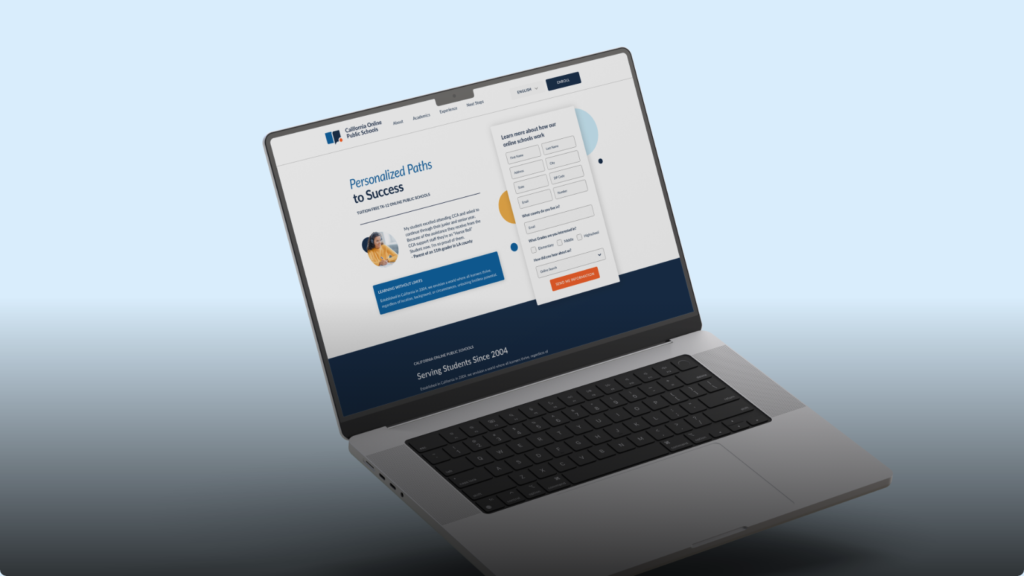
For an example of results at scale, Brandastic’s campaign for California Online Public Schools produced 1,500+ leads a month and a 118x return on ad spend (ROAS), and the school surpassed its annual enrollment target by 7+ percent.
About the author: Justin Nassie is the president and founder of Brandastic, an Orange County full-service digital marketing agency he has run for 16 years. He has taught advanced web at Chapman University and has also taught at UC Irvine (UCI).
Keep reading: How to track which ads lead to enrolled students; Fall open house ads: a 6-week Google and Meta plan; Private school ad benchmarks.
Frequently asked questions
Do Google Ads work for schools?
Yes, for reaching families already searching. Results depend on targeting, landing pages and follow-up.
What keywords should a school bid on?
Your school name, school type plus location, specific programs and seasonal event terms, with negatives for jobs and calendars.
Can schools target ads to parents?
Search ads target what people search, not who they are. Write for parents and target by location and keywords.
Should schools run Performance Max?
Start with Search. Add other campaign types once conversion tracking is reliable.
How long should a school run Google Ads before judging results?
Give a new campaign at least a full event or admissions window, and ideally a whole cycle, before deciding. Early weeks are for learning which searches and ads bring real inquiries.
Should schools bid on competitor school names?
It is allowed in many cases, but it can feel aggressive in a close community and often brings low-intent clicks. Most schools do better focusing on their own brand, school type and location searches.
What should a school track in Google Ads?
Inquiry form submissions, tour bookings, event RSVPs and calls from ads. Then match those families to applications and enrollments in your CRM, so you know which campaigns fill seats.
Can Google Ads help with re-enrollment?
Rarely directly. Re-enrollment depends on the experience current families have and personal outreach. Ads are better for reaching new families, events and late seat-fill.
Does Brandastic manage Google Ads for schools?
Yes. Brandastic is a Google Partner and runs Google pay-per-click campaigns for schools.
Our Work in Education
PORTFOLIO · ONLINE CHARTER SCHOOL
California Online Public Schools
1,500+ leads a month and 118x ROAS
View Project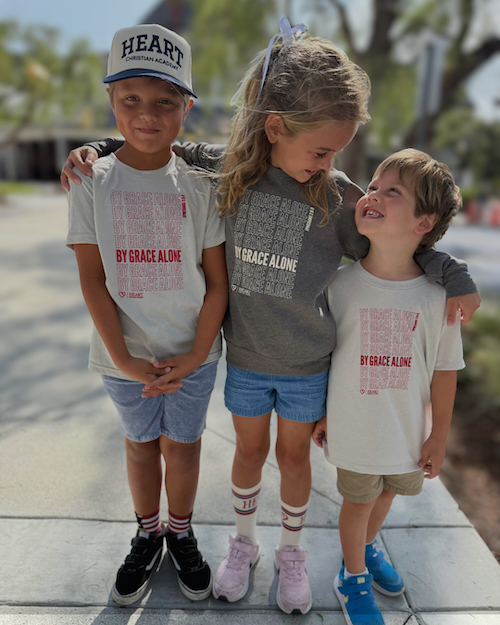

Every school’s plan is different. Book a free consultation and we’ll walk through channels, goals and budget together.
Want Google Ads that book tours? Book your free consultation.
Sources
- Brandastic case study: Heart Christian Academy, https://brandastic.com/portfolio/heart-christian-academy/
- Google Ads Help, Set up your web conversions, https://support.google.com/google-ads/answer/6095821
- Google Ads Help, Set up enhanced conversions for web using the Google tag, https://support.google.com/google-ads/answer/9888145
- Google Ads Help, About offline conversion imports, https://support.google.com/google-ads/answer/2998031
- Brandastic case study: California Online Public Schools, https://brandastic.com/portfolio/california-online-public-schools/
By Justin Nassie, President and Founder of Brandastic. Brandastic is a Costa Mesa, California full-service digital marketing agency founded in 2010 that has worked with 450+ brands and is a Google and Microsoft Partner. Last updated November 23, 2026.


